VoiceStrip
Your keyboard, in one thin line.
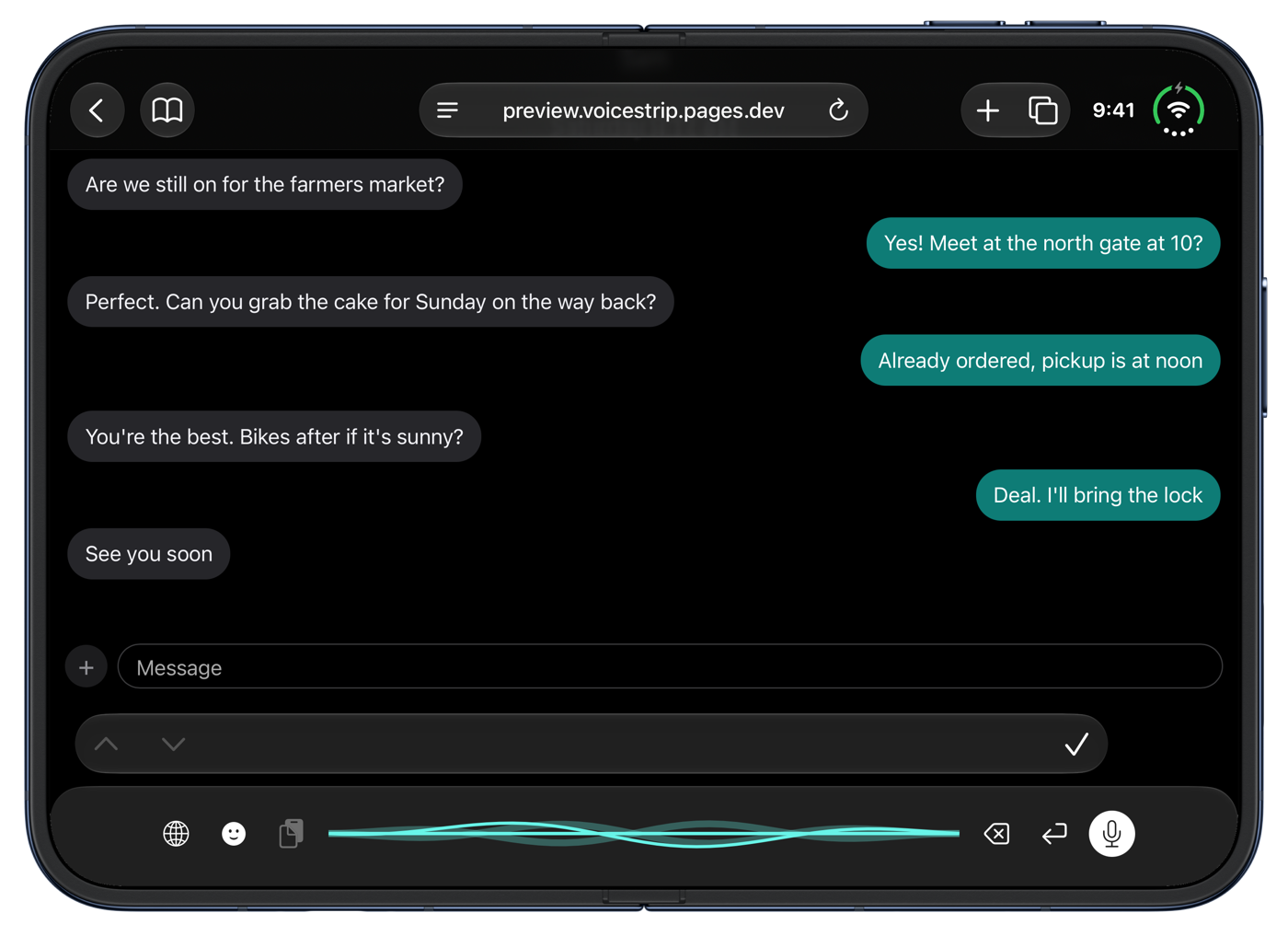
Talk instead of type, and keep the conversation in view. Private by design. No subscription fees.
For iPhone and Android.


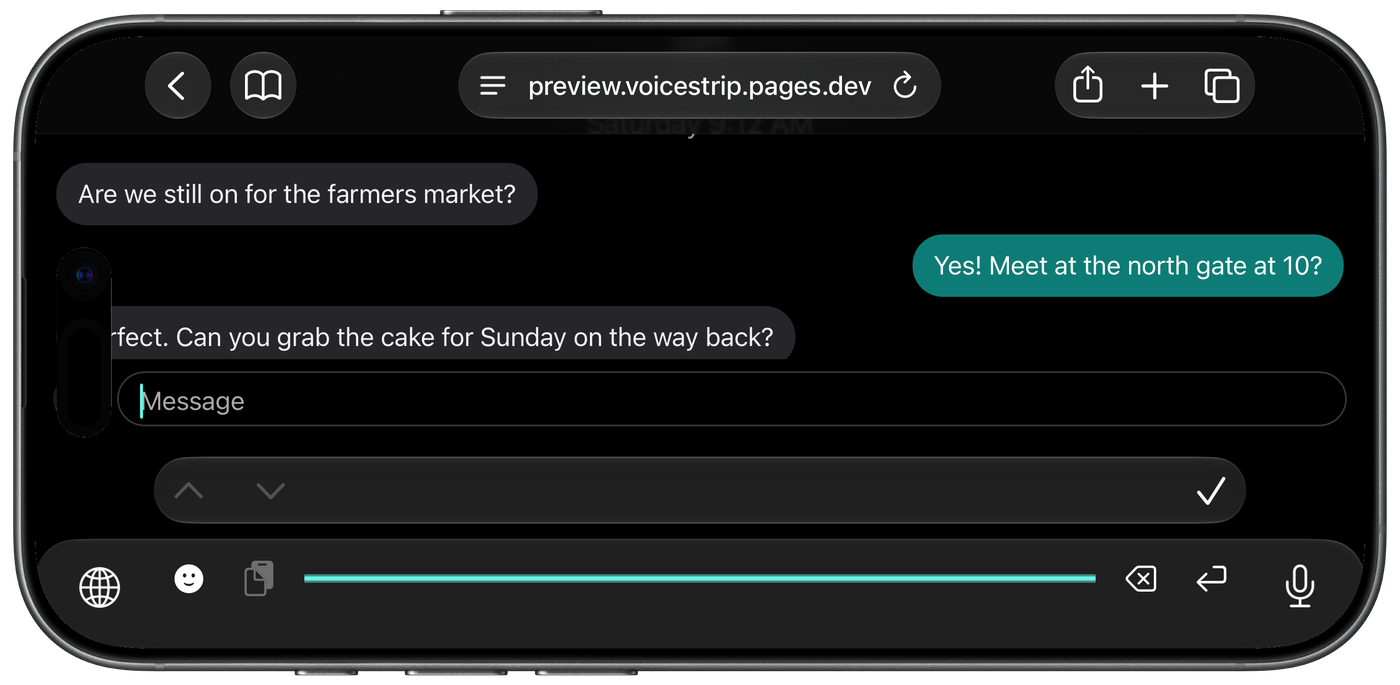
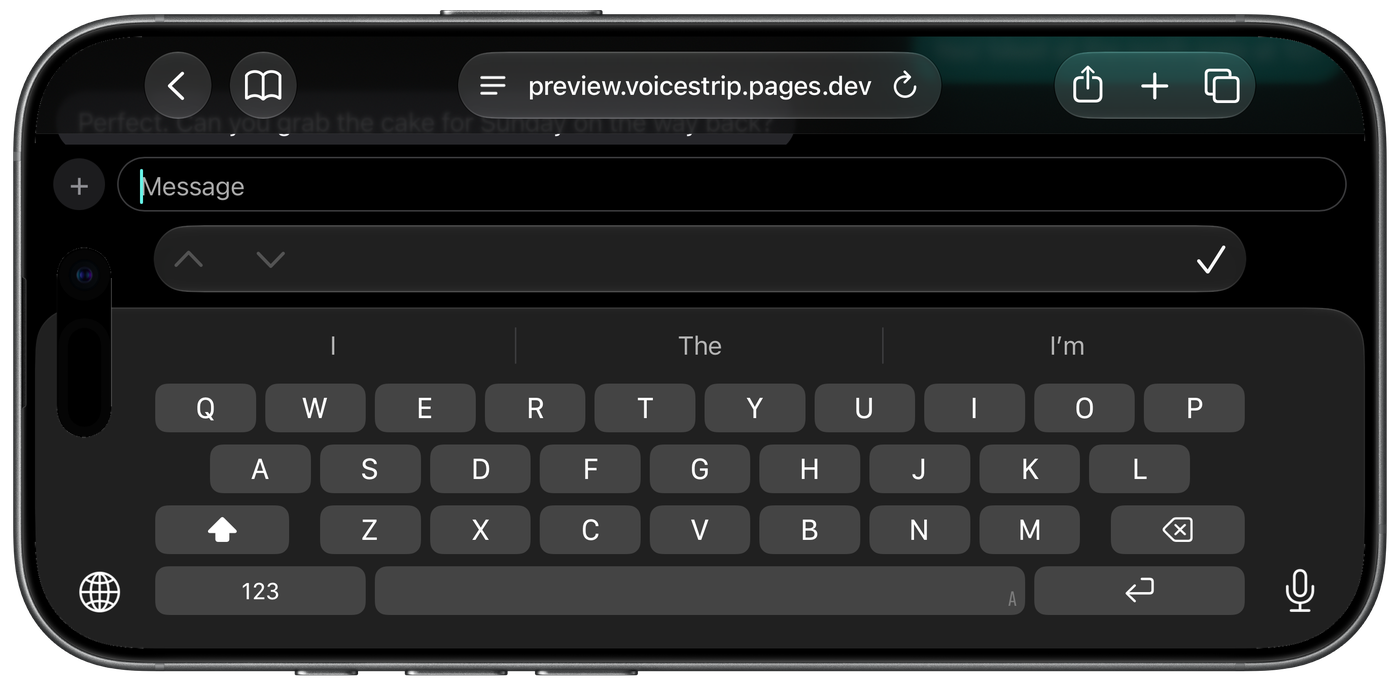
Landscape lovers, rejoice
Turn your iPhone sideways and the keyboard still takes one line, so the conversation stays on screen.
Also made for Android
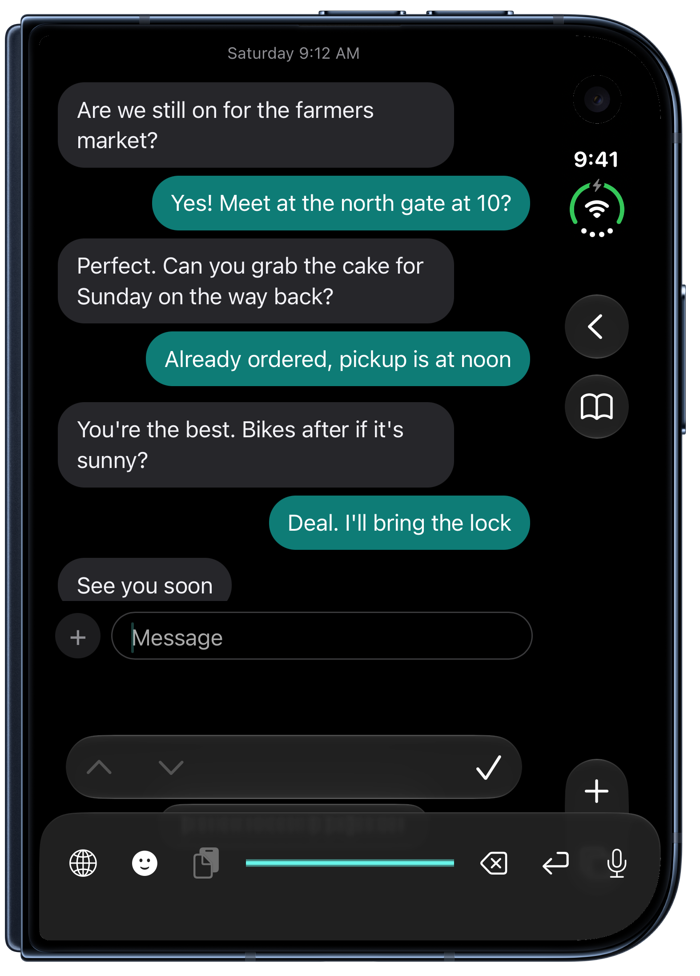
The same one-line keyboard on Android phones and foldables. Shown here on a Galaxy Z Fold.
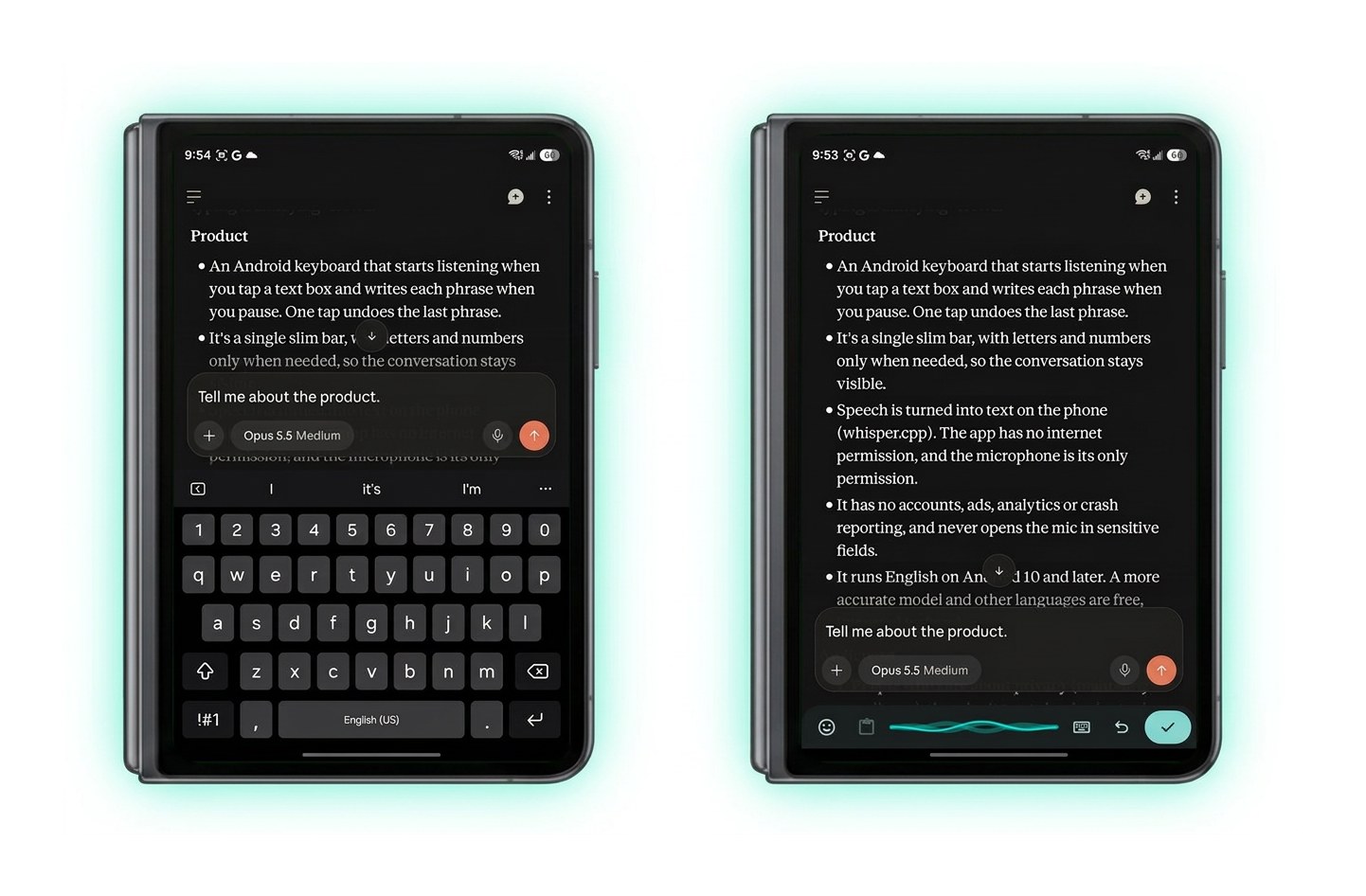
- Your screen backOne slim bar instead of half the screen.
- Talk instead of typeTap the mic and speak. Letters and emoji are one tap away.
- Collects nothingEverything VoiceStrip does happens on your phone. We never send what you say or type anywhere.
- Pay onceNo subscription. No ads.
Getting started
On iPhone
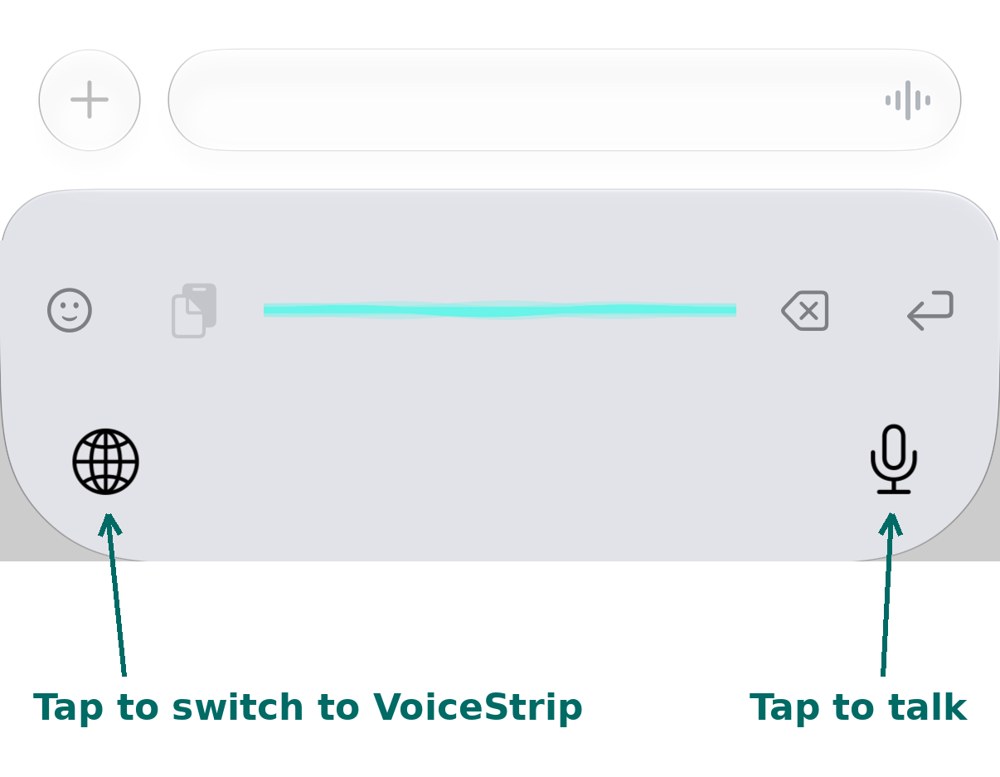
Tap the globe to switch to VoiceStrip, then tap the mic and talk.
On Android
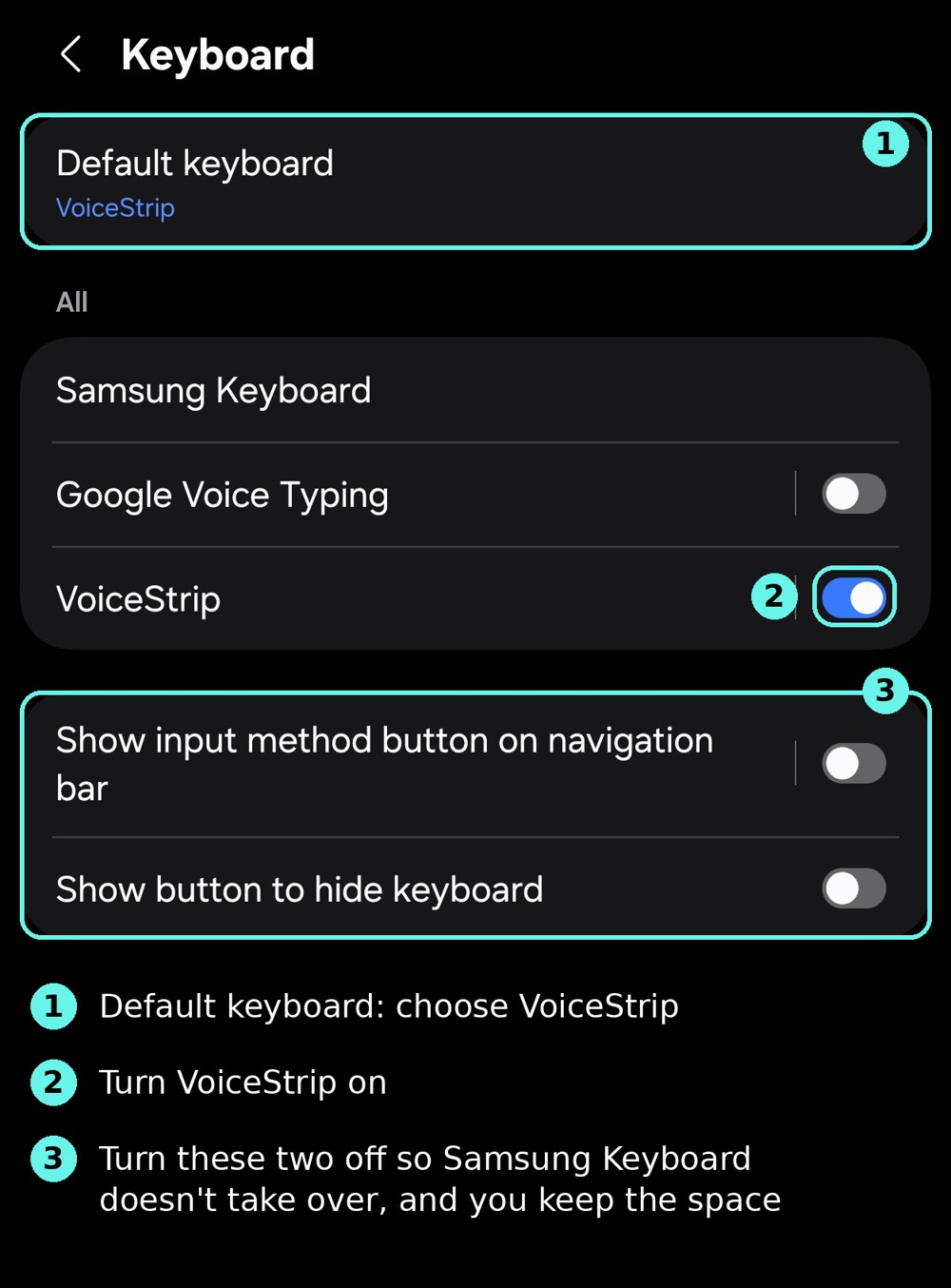
Three settings, once, under Settings, Keyboard.